Snack Slice
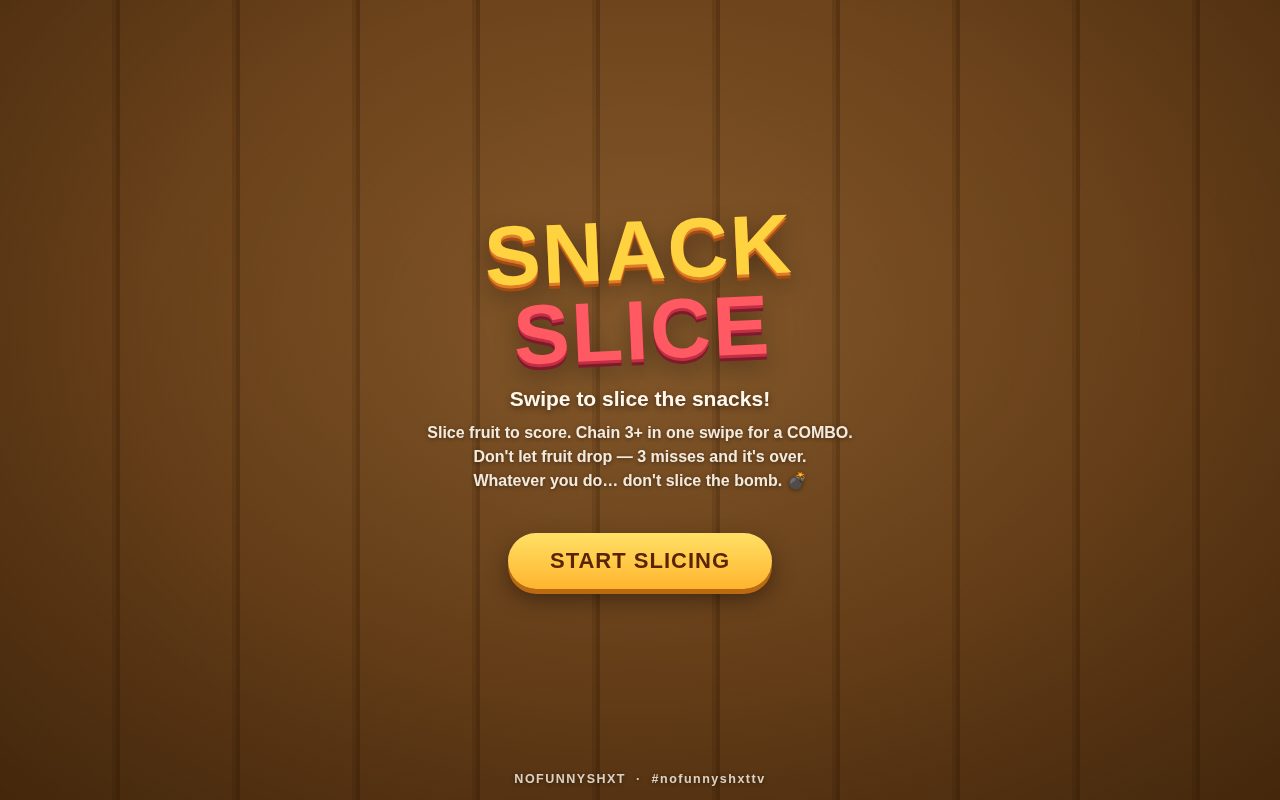
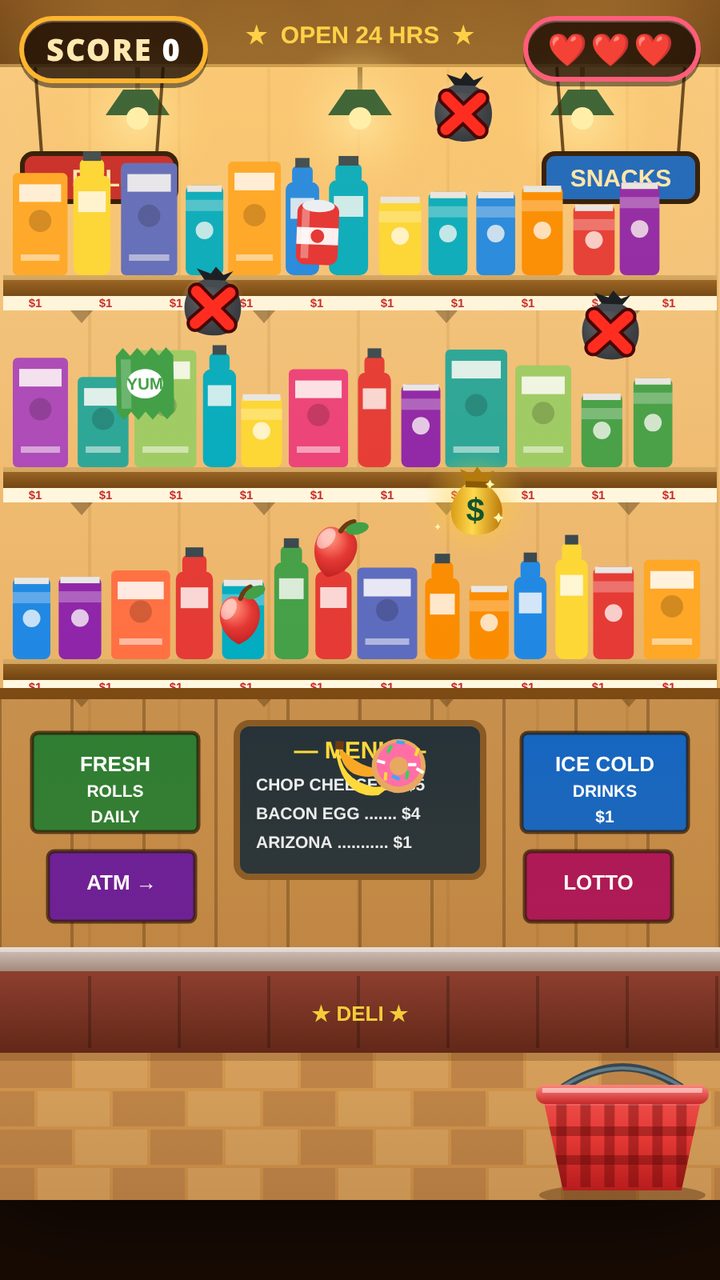
Snack Slice is a swipe-and-slice arcade game that takes ten seconds to learn and way too long to put down. Snacks launch into the air — your job is to slice them before they fall. That is it. Well, almost: mind the bomb.
Free to play in your browser — no download, no install, no account needed to start. Works on phone, tablet, Chromebook and computer.
Swipe to slice
Drag your finger or mouse through flying snacks to slice them and score. Slice several in a single swipe to rack up points fast — and when you catch 3 or more in one swipe, you land a COMBO. Let a snack drop and you lose one of three misses; drop three and the round is over. And whatever you do, don't slice the bomb — it ends your run on the spot, no matter how clean it was going.
How to play
- Swipe or drag with your finger or mouse — slice the snacks mid-air
- Chain 3 or more snacks in one swipe for a combo
- Three dropped snacks ends the game
- Never, ever slice the bomb
Tips
- Wait half a beat: snacks tossed together can be taken in one wide swipe for a combo instead of three small ones.
- Slice on the way up AND the way down — a full arc covers twice the sky.
- When a bomb is in the air, hands off until it clears. Patience scores more than greed.
Frequently asked questions
Is Snack Slice free to play?
Yes — Snack Slice is free to play online with no download and no install. It runs in your browser and is built for touchscreens and mouse alike.
How do combos work in Snack Slice?
Slice 3 or more snacks in a single swipe and you earn a combo, which stacks points much faster than slicing one at a time.
What happens if I slice the bomb in Snack Slice?
The round ends immediately — the bomb is the one thing in the sky you must never touch. You also lose the game if three snacks hit the ground unsliced.
Who made this game?
NOFUNNYSHXT, a one-person game studio from the Bronx, New York. It is one of the original games built for NOFUNNY Free Arcade.
Can I play it on a Chromebook?
Yes. It runs in the Chrome browser with nothing to install, and it works with a keyboard, mouse, trackpad or touchscreen. See our free games for Chromebook page for the full rundown.