
Free Games for Chromebook
Every game at NOFUNNY Free Arcade runs right inside the Chrome browser — no downloads, no installs, no app store, no waiting. If your Chromebook can open a website, it can run this arcade: 100+ free games, including five originals built in the Bronx.
Why it works on a Chromebook
Chromebooks are built around the browser, and so is this arcade. The games are HTML5 web games — the same technology as a normal web page — so there is nothing for your device to install and nothing heavy for it to carry. That matters on school-issue and low-end hardware: the arcade loads fast, the games are lightweight, and they run happily on a trackpad, a mouse, a keyboard or a touchscreen. When you are done, there is no game file sitting in your Downloads folder, because there never was one.
It is also a family-safe place to land. NOFUNNY Free Arcade picks kid-friendly games, skips the downloads entirely, and keeps strangers out of the games — there is no in-game chat. Points, streaks and a daily bonus are there if you want them, and a free account is optional: you can play everything as a guest.
Start with our originals
These five games were built by NOFUNNYSHXT, a one-person studio from the Bronx. Each one runs in the browser and plays great on a Chromebook:
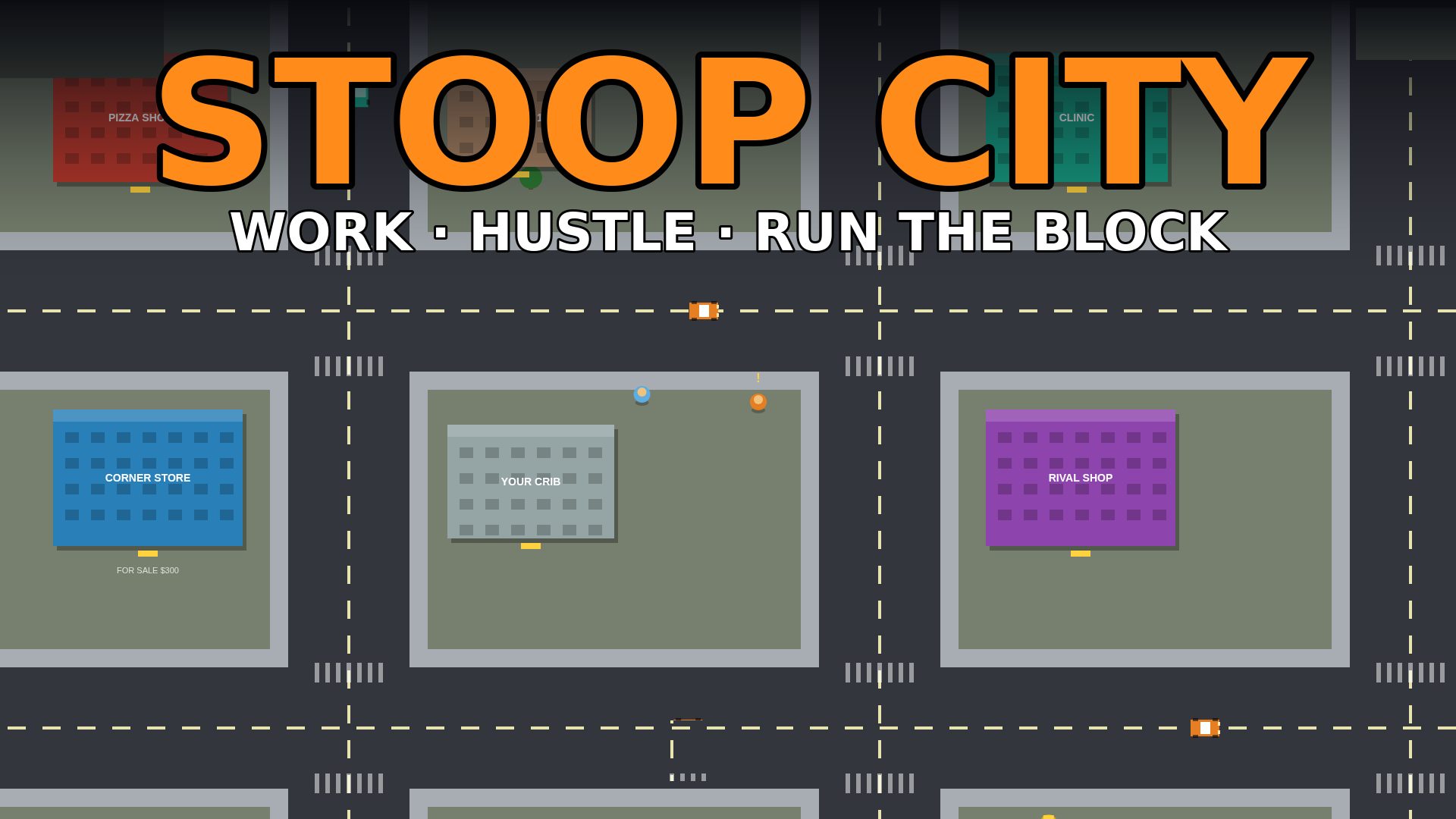
Stoop City
Simulation — an original by NOFUNNYSHXT
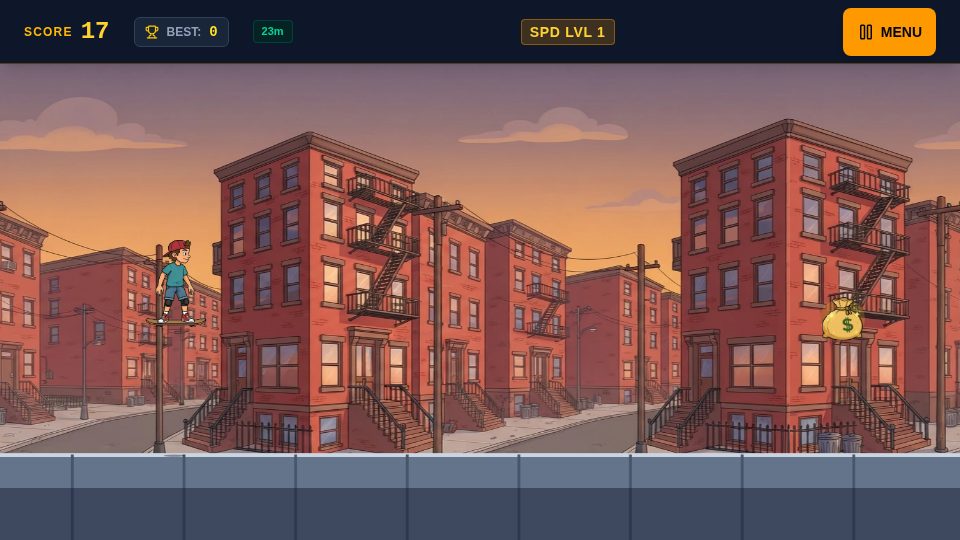
Bronx Ollie
Arcade — an original by NOFUNNYSHXT
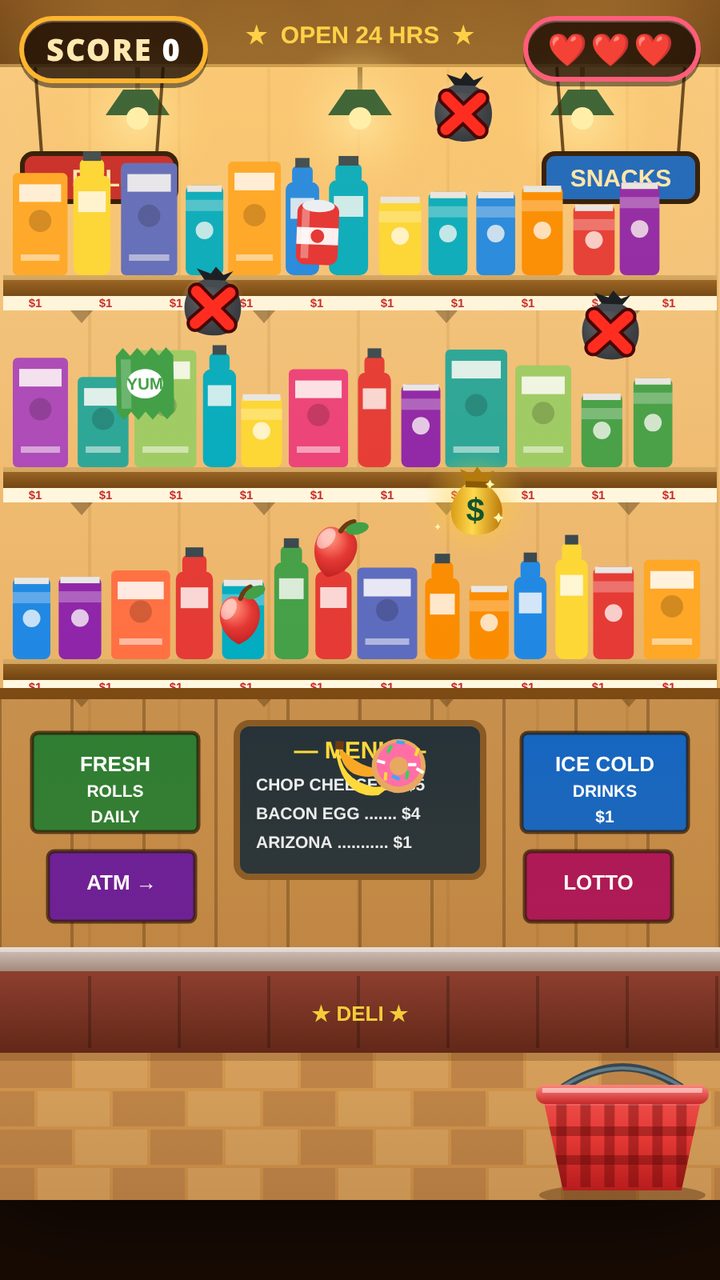
Bodega Catch
Arcade — an original by NOFUNNYSHXT
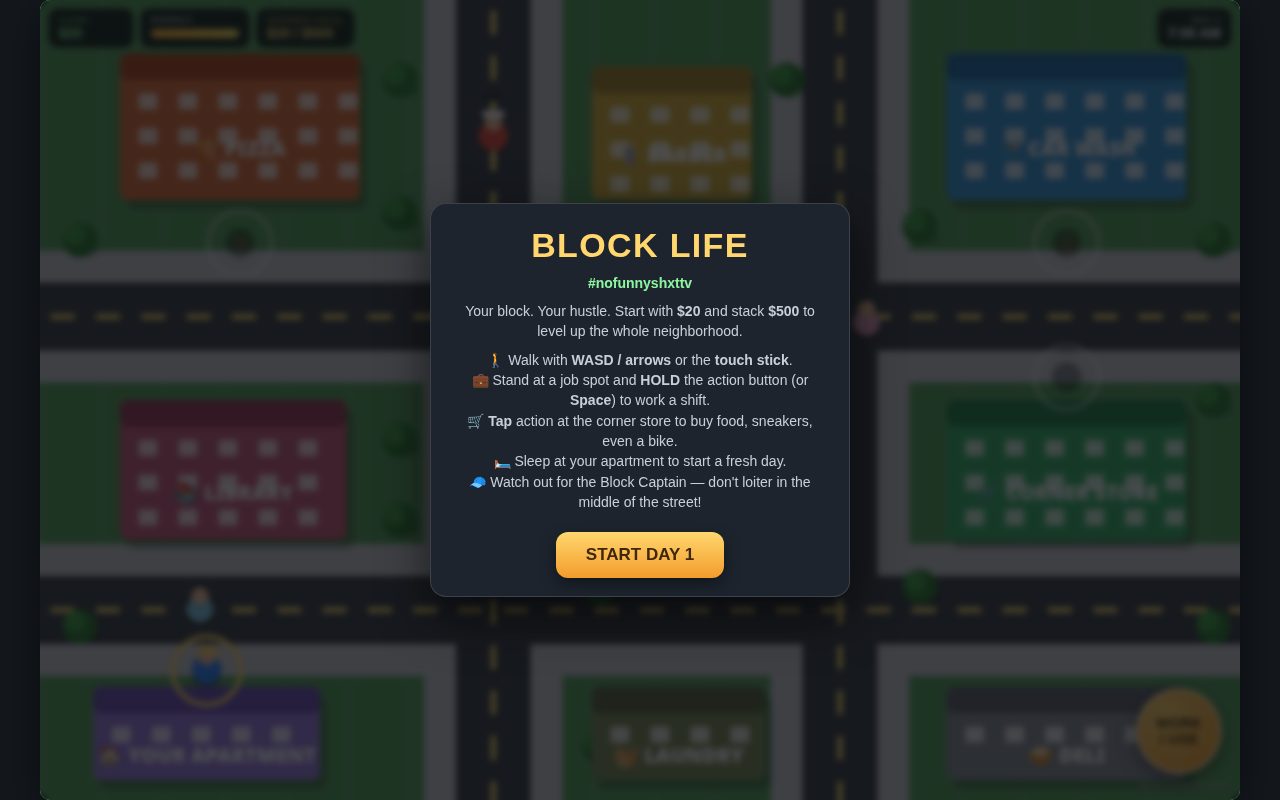
Block Life
Simulation — an original by NOFUNNYSHXT
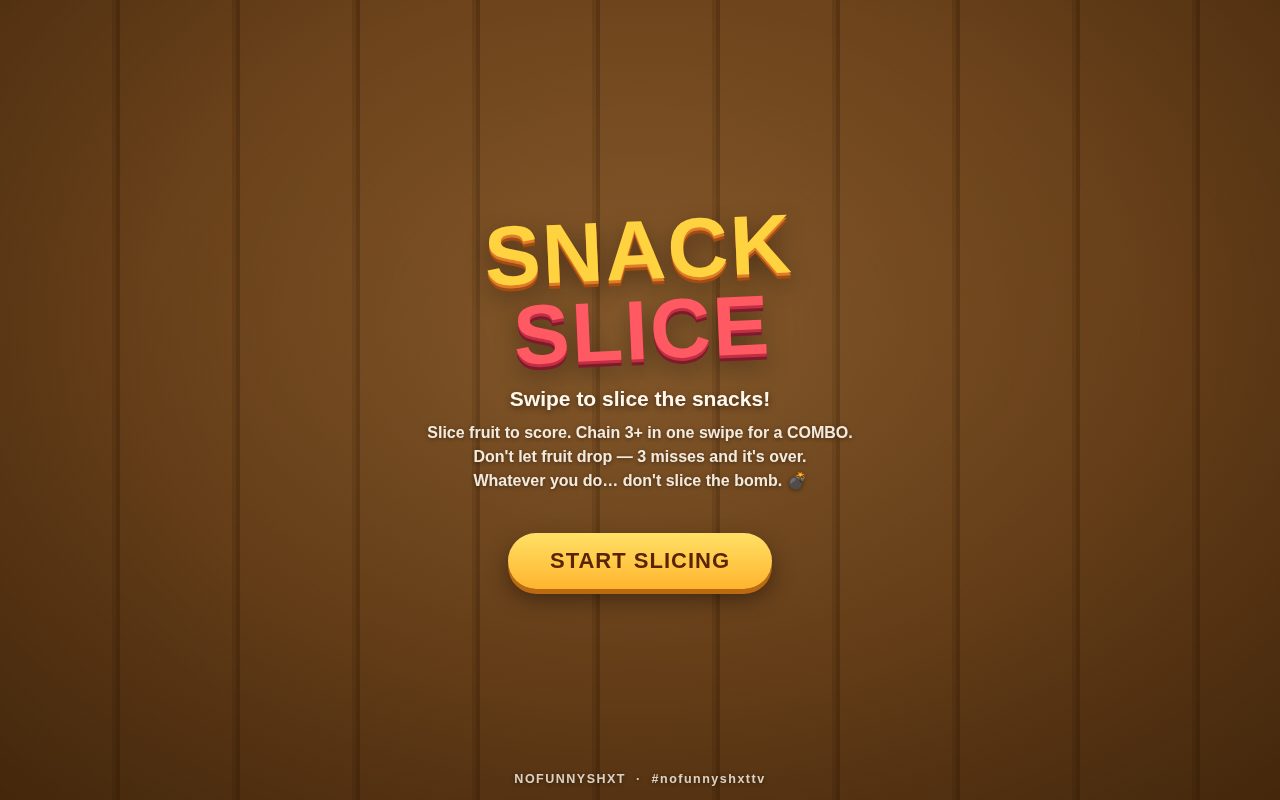
Snack Slice
Arcade — an original by NOFUNNYSHXT
More to play in the arcade
Beyond the originals, the arcade shelves 100+ free browser games across the categories players actually search for — action, racing, puzzle, sports, .io games, tycoon and life sims, and a kids' corner — with new games added all the time. Everything is organized on one page at nofunnyarcade.com, so a Chromebook with one open tab is all you need.
Put it on your shelf
Want the arcade one tap away? Open nofunnyarcade.com in Chrome, open the three-dot menu, and choose Save and share → Install page as app. The arcade pins to your shelf and opens in its own window — an app experience with zero downloads from any store.
Frequently asked questions
Do these games need to be downloaded or installed?
No. Every game at NOFUNNY Free Arcade runs in the Chrome web browser as an HTML5 game. There are no downloads, no installers and no app store involved — open the page and play.
Do the games work on a school or work Chromebook?
The games themselves need nothing installed and run on any Chromebook that can open a website. Which websites a school or work network allows is decided by that network's own settings, and that part is out of our hands — at home, or on any open network, the arcade just works.
Are the games at NOFUNNY Free Arcade free?
Yes. The arcade is free to play — 100+ browser games plus the originals we built ourselves. You can optionally make a free account to save points and streaks, but you never need one to play.
Are the games family-safe?
That is the point of the place. NOFUNNY Free Arcade is a family-safe arcade: games are picked to be kid-friendly, there are no downloads to worry about, and there is no in-game chat with strangers inside the games.
Do the games work with a keyboard, mouse or touchscreen?
Yes to all three. Most games play with keyboard and mouse or a trackpad, and the arcade's own originals also support touchscreens and on-screen controls on tablets and phones.
Can I save the arcade like an app on my Chromebook?
Yes. Open nofunnyarcade.com in Chrome, open the three-dot menu, choose “Save and share” and then “Install page as app” (wording varies slightly by Chrome version). The arcade then opens in its own window from your shelf, like any other app — still with nothing to download from a store.
What happens if a game will not load?
Refresh the page first — that fixes most hiccups. If a game still will not start, try it in a regular (non-guest) Chrome window and make sure JavaScript is allowed for the site. Low-end Chromebooks run the arcade fine; the games are lightweight web pages, not big downloads.